


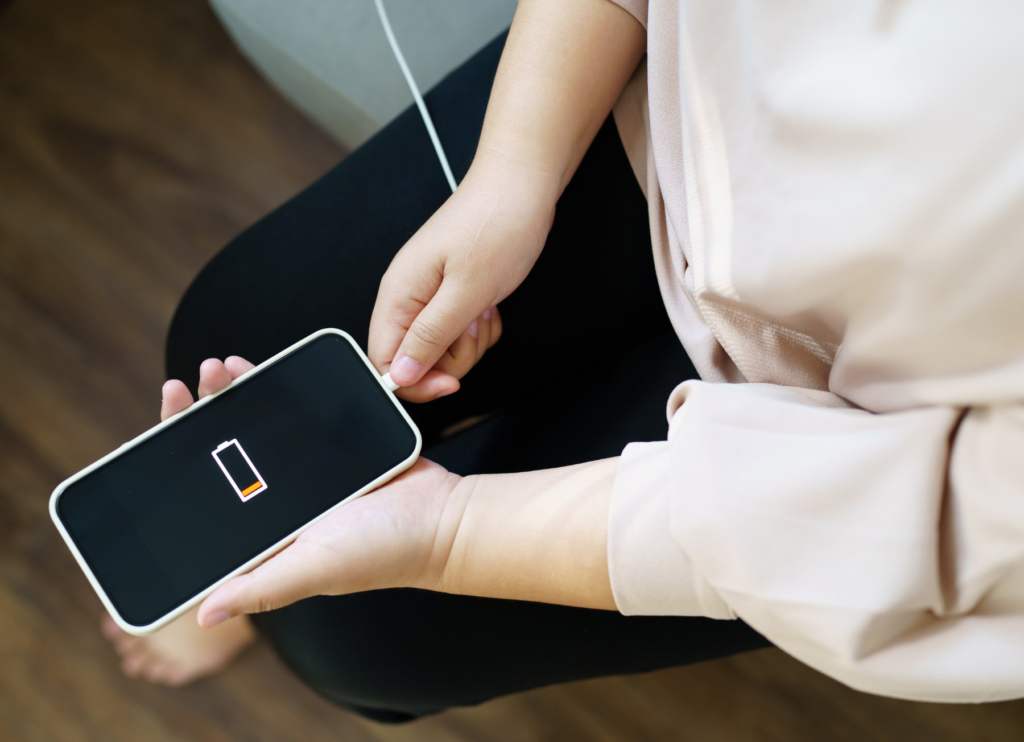
Have you ever picked up your phone in the middle of the day only to find the battery already below 20%? You’re not alone. Battery drain is one of the most common complaints among smartphone users, whether you’re using an iPhone or an Android device.
The good news is that a rapidly draining battery doesn’t always mean you need a new phone. In many cases, the culprit is a setting, an app, or a habit that’s quietly using power in the background.
From excessive screen brightness to aging batteries and power-hungry apps, there are several reasons why your phone’s battery may not be lasting as long as it should. In this guide, we’ll explore 10 common reasons your phone battery drains quickly and, more importantly, how you can fix each one.
1. Screen Brightness Too High

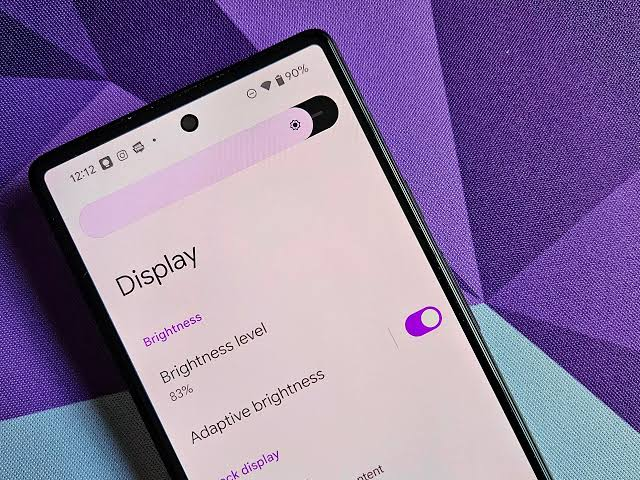
Your display is the single biggest power consumer on your phone. Modern OLED and AMOLED screens are stunningly bright and sharp, but running them at maximum brightness all day can cut hours off your battery life. Many people forget to lower brightness after being outdoors, leaving it unnecessarily high indoors.
How to Fix It
- Turn on Auto-Brightness or Adaptive Brightness
- Lower brightness manually when indoors
- Shorten screen timeout to 30–60 seconds
2. Too Many Background Apps
Even after you close apps, many continue working in the background—checking for notifications, refreshing feeds, or tracking location. Social media, messaging, and fitness apps are common culprits. When too many apps do this simultaneously, your battery drains faster than you realize.
How to Fix It
- Check battery usage settings (Android: Settings → Battery → Battery Usage; iPhone: Settings → Battery)
- Restrict background activity for power-hungry apps
3. Poor Mobile Signal
When your phone struggles to maintain a stable connection, it constantly searches for nearby towers. This process uses far more power than normal operation. You’ll notice faster drain in elevators, underground parking lots, rural areas, or buildings with thick walls.
How to Fix It
- Connect to Wi-Fi whenever possible
- Enable Airplane Mode in dead zones
- Switch off 5G if LTE is stronger
4. Aging Battery
Lithium-ion batteries naturally lose capacity over time. After hundreds of charge cycles, they can no longer hold as much energy. Signs of aging include faster drain, unexpected shutdowns, and reduced screen-on time. If your phone is several years old, this may be the main culprit.
How to Fix It
- Check battery health (iPhone: Settings → Battery → Battery Health; Android: Device Care/Diagnostics)
- Replace the battery if capacity is low
5. Location Services Always On
GPS is one of the most power-hungry features. Apps like maps, ride-sharing, and fitness trackers often request location access even when you’re not actively using them. If left unchecked, constant GPS tracking can drain your battery quickly.
How to Fix It
- Limit location access to “While Using the App”
- Avoid granting permanent location access unless essential
6. Outdated Software
Software updates aren’t just about new features—they often include battery optimizations and bug fixes. Running outdated software can mean your phone is less efficient, with apps or processes consuming more power than necessary.
How to Fix It
- Update your OS regularly
- Keep apps updated via App Store or Google Play
7. Too Many Notifications

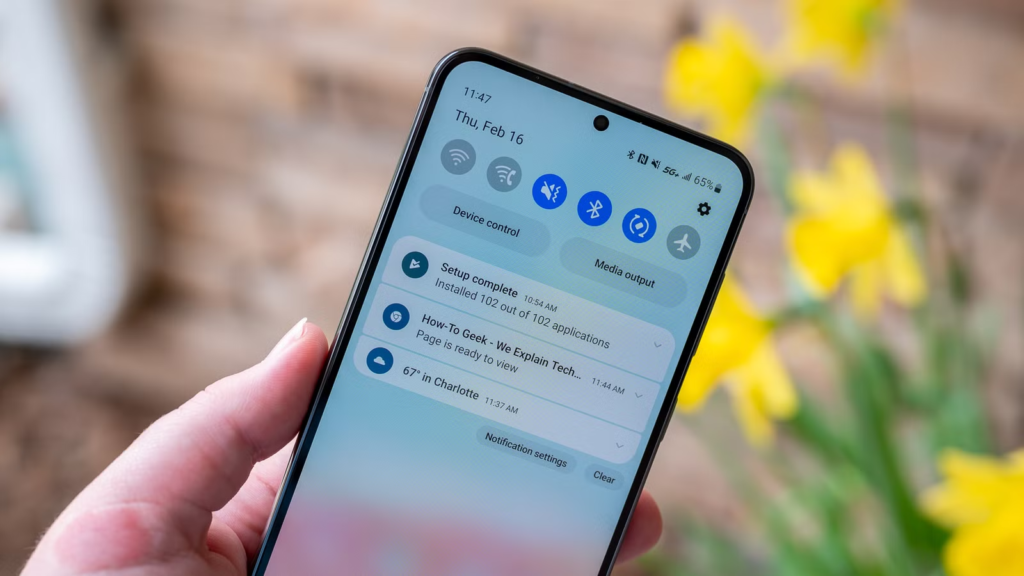
Every notification wakes your screen, activates the processor, and may trigger vibration or sound. If dozens of apps send alerts throughout the day, your phone is constantly waking up—even when you’re not using it.
How to Fix It
- Disable non-essential notifications
- Prioritize only messaging, banking, calendar, and important work apps
8. Wireless Features Left On
Bluetooth, Wi-Fi, and Hotspot consume power even when idle. While modern phones manage these features better than before, leaving Hotspot running unnecessarily or keeping Bluetooth on without accessories connected can still drain your battery.
How to Fix It
- Turn off Hotspot when unused
- Toggle Bluetooth/Wi-Fi off if not needed
9. Extreme Temperatures
Smartphone batteries perform best at moderate temperatures. Heat accelerates battery aging, while cold reduces performance temporarily. Leaving your phone in direct sunlight, a hot car, or freezing conditions can cause noticeable drain and long-term damage.
How to Fix It
- Avoid direct sunlight and freezing conditions
- Remove thick cases while charging if overheating
- Don’t leave your phone in a parked car
10. Charging Habits

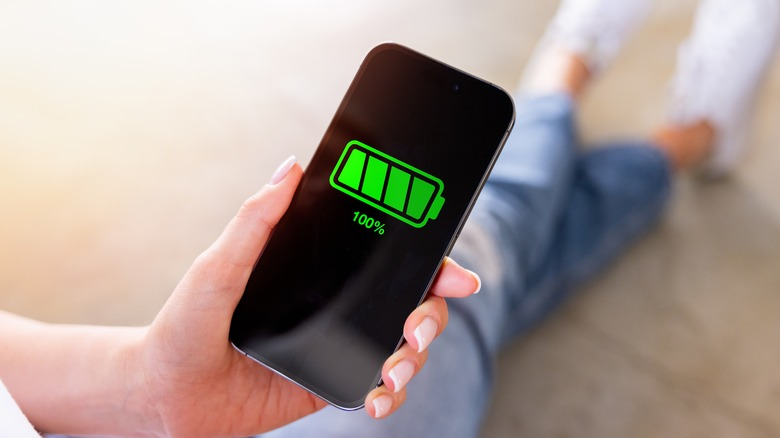
Constantly charging to 100% and keeping it there accelerates wear over time. While modern phones stop charging once full, maintaining maximum charge daily can shorten battery lifespan. Fast charging also generates more heat, which contributes to aging.
How to Fix It
- Use optimized charging features
- Keep battery between ~20–80% when possible
- Avoid charging in hot environments
🔋 Bonus Tips
- Enable Battery Saver/Low Power Mode
- Use Dark Mode on OLED screens
- Lower refresh rate (120Hz → 60Hz)
- Remove unused apps
- Restart occasionally
- Avoid shady apps that drain power
🛠 When to Replace Your Battery
If your phone is several years old, drains unusually fast, or shuts down unexpectedly, replacement is often cheaper than buying a new phone. A fresh battery can restore performance and extend your phone’s life.
✨ Final Thoughts
Most battery drain issues come from everyday habits or settings—not hardware failure. Small adjustments like lowering brightness, managing background apps, and updating software can make a big difference. If problems persist, a battery replacement is a smart, affordable solution.